What Is MCP? A New Way to Connect Your AI Assistant to Your Business
AI assistants are now remarkably good at writing text, suggesting code and answering questions. But most businesses hit the same wall: the assistant can’t touch the company’s own systems. It can’t see your orders, doesn’t know your stock levels, and can’t build a report from your data.
The Model Context Protocol, or MCP for short, is an open standard designed to tear down exactly that wall. It takes the assistant out of the chat window and puts it inside your business.
So what exactly is MCP?
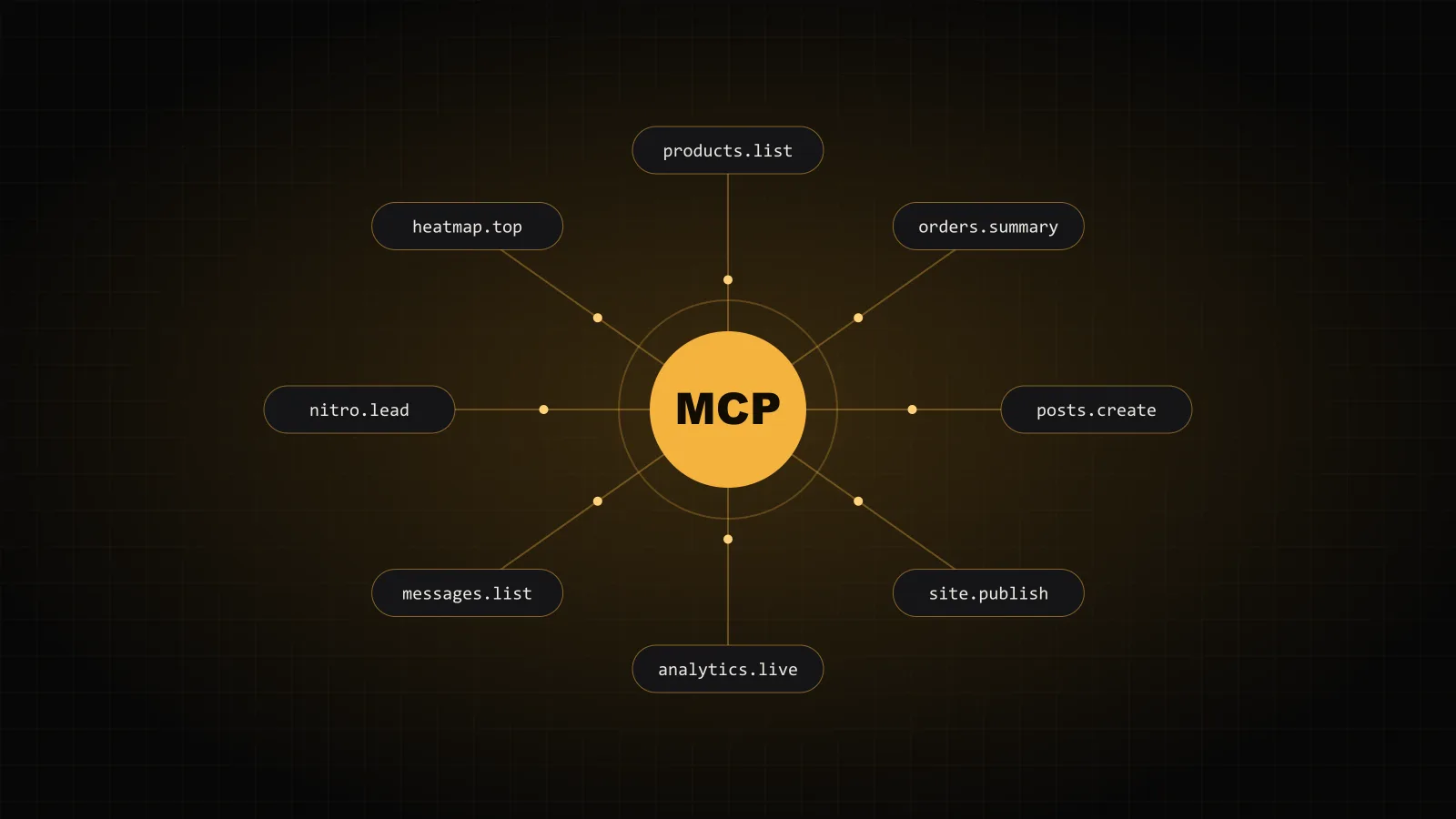
MCP is a protocol that standardizes how an AI assistant talks to external systems. On one side sits the assistant (Claude, ChatGPT or any MCP-enabled client); on the other, your system. The MCP server in between presents what your system can do to the assistant as a set of tools.
Think of it like a USB-C port: one standard instead of a different cable for every device. Write an MCP server once, and every assistant that supports the protocol can connect to your system the same way.
What does a tool look like?
An MCP server offers the assistant a set of tools, each with a short description. Every tool has a clear name, a stated purpose and a defined set of parameters. The assistant decides on its own which tool to call, and when, to fulfill a request.
- products.list: lists products below a given stock threshold.
- orders.summary: summarizes orders within a date range.
- posts.create: saves a blog post as a draft.
- site.publish: pushes changes live.
You write to the assistant in plain English: “Show me products with fewer than five in stock.” The assistant picks the right tool, gets the result and explains it to you. No clicking from screen to screen.
Why does it matter now?
Because an AI is only as valuable as the context it can reach. A product description written from general knowledge is not the same as one written by an assistant that knows your stock, pricing and sales data. MCP opens up that context to the assistant in a secure, standard way.
The second reason is independence. You’re not locked into a single AI vendor. Claude today, another assistant tomorrow; your MCP server stays the same.
How is it kept secure?
Granting an assistant access means handing it a key. That’s why a good MCP setup follows a few rules:
- Every connection runs on its own token, and that token can be revoked at any moment.
- The assistant can only reach the tools it’s allowed to; irreversible actions like deletion are either not exposed at all or require confirmation.
- Every tool call is logged, so it’s always clear who did what, and when.
- Connections are only ever made over an encrypted channel.
MCP at NitroByte
AI Autopilot in Nitrify is the most concrete real-world example of MCP. A store owner types “Summarize yesterday’s orders and flag the ones not yet shipped,” and the assistant answers from inside the store. We use the same approach on our own website: our new site’s content management, analytics and task tracking can all talk to an assistant over MCP.
In fact, one of the steps that published this very post was a tool call.
Where should you start?
First, pick the three jobs where an assistant would save you the most time. Usually that means reading reports, producing repetitive content and checking on status. Then define the narrowest set of tools those jobs need. A small, well-defined MCP server is both safer and more useful than one that opens up everything.
If you’re considering an MCP server for your own system, let’s talk. Both the software and the security side of this are our day-to-day work.